Science
Explore a question
Change one number in a drawing. Predict the result, try it out and explain what you see.
FOR PARENTS & GRANDPARENTS · DISCOVER TOGETHER
A game with characters they drew. A melody of their own. A light that responds to a button. With Pliro, your child or grandchild can bring an idea to life. Give their curiosity room to grow: a small project is a lovely place to start.
Start together, for freeWhat can my child practise?Free Pliro Learner is all you need for the first discoveries.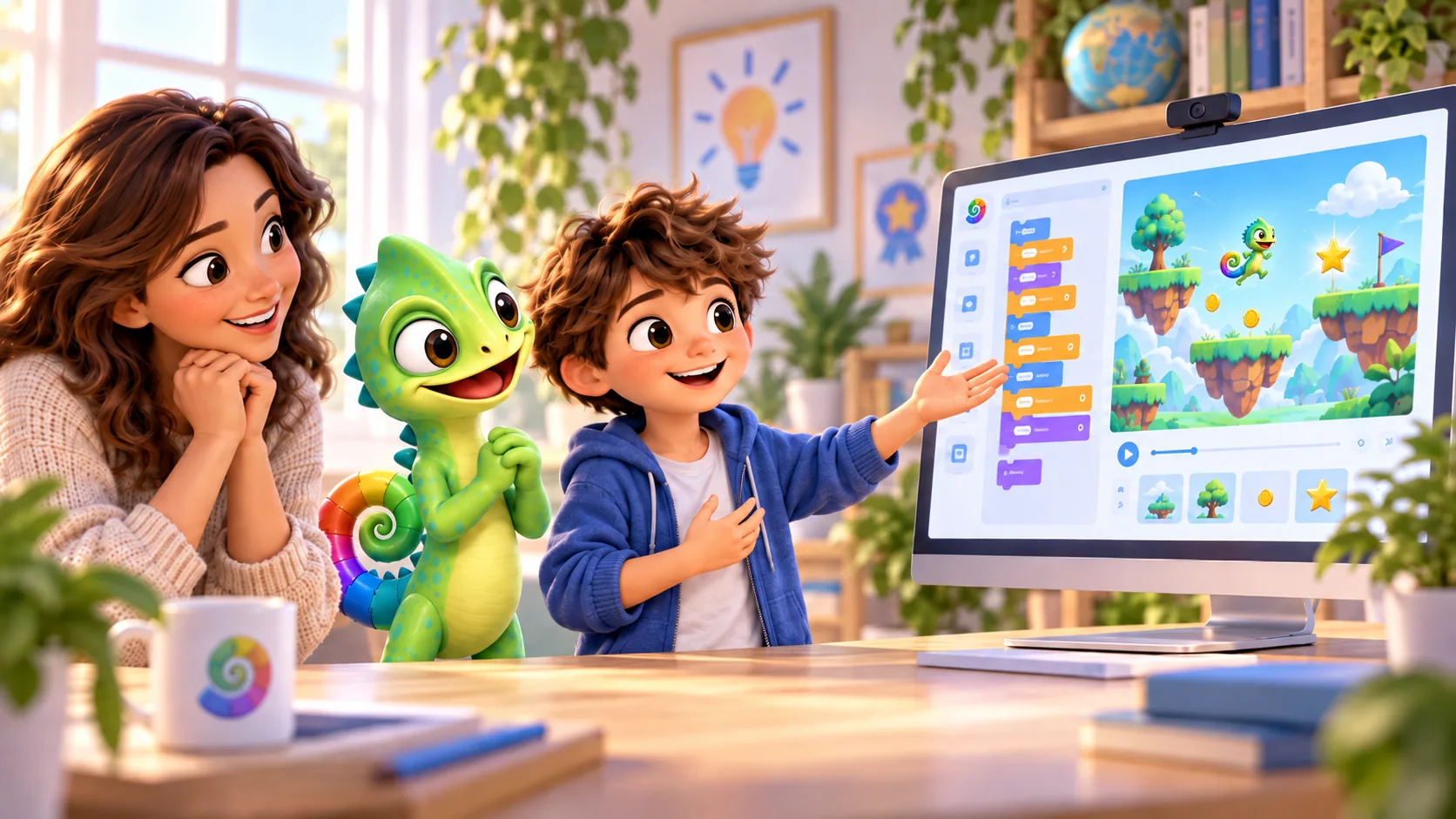
You don’t need to know the code. Curiosity is enough.
STEM · LEARN BY MAKING
Why does STEM matter for your child? It gives curiosity a practical path: ask a question, try something, measure and improve. A small project of their own makes maths and technology something they can explore.
STEM stands for Science, Technology, Engineering and Mathematics: exploring questions, understanding tools, designing solutions and working with numbers.
Science
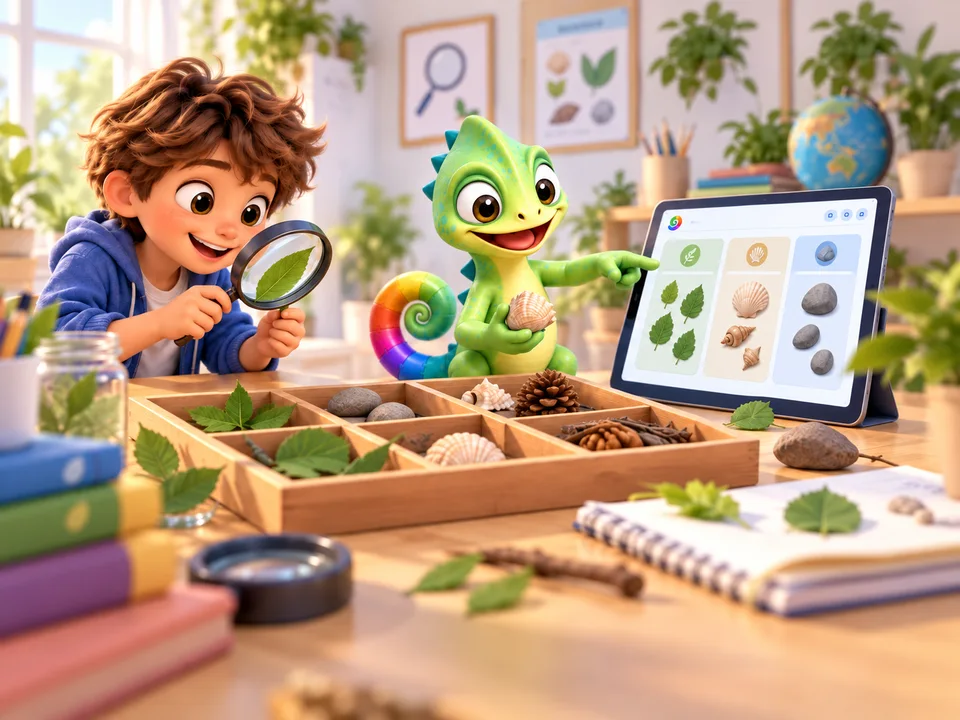
Change one number in a drawing. Predict the result, try it out and explain what you see.
Technology
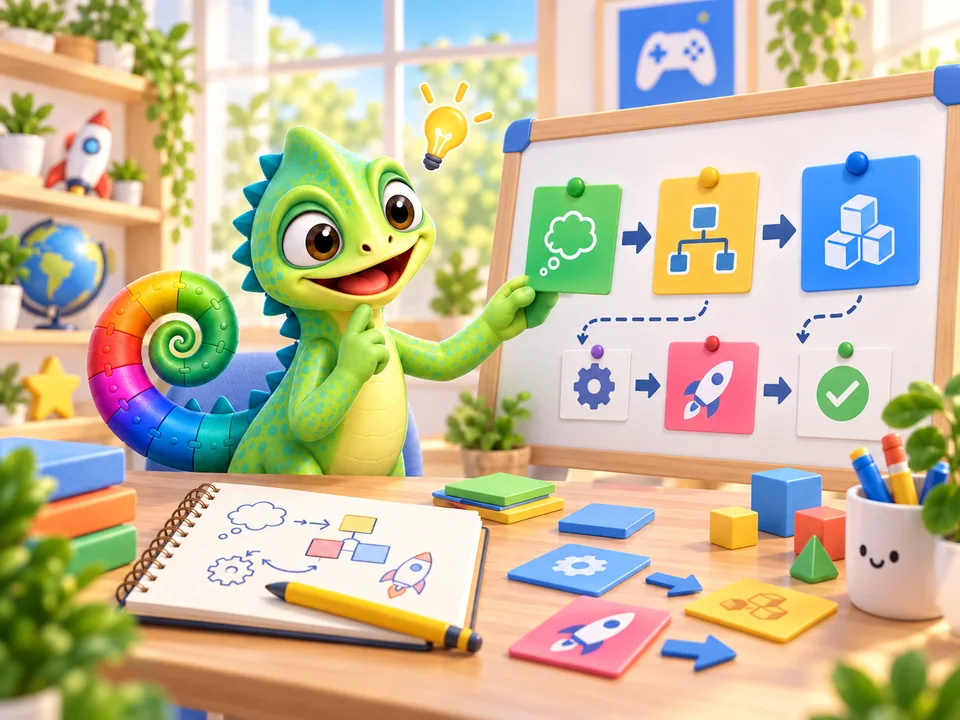
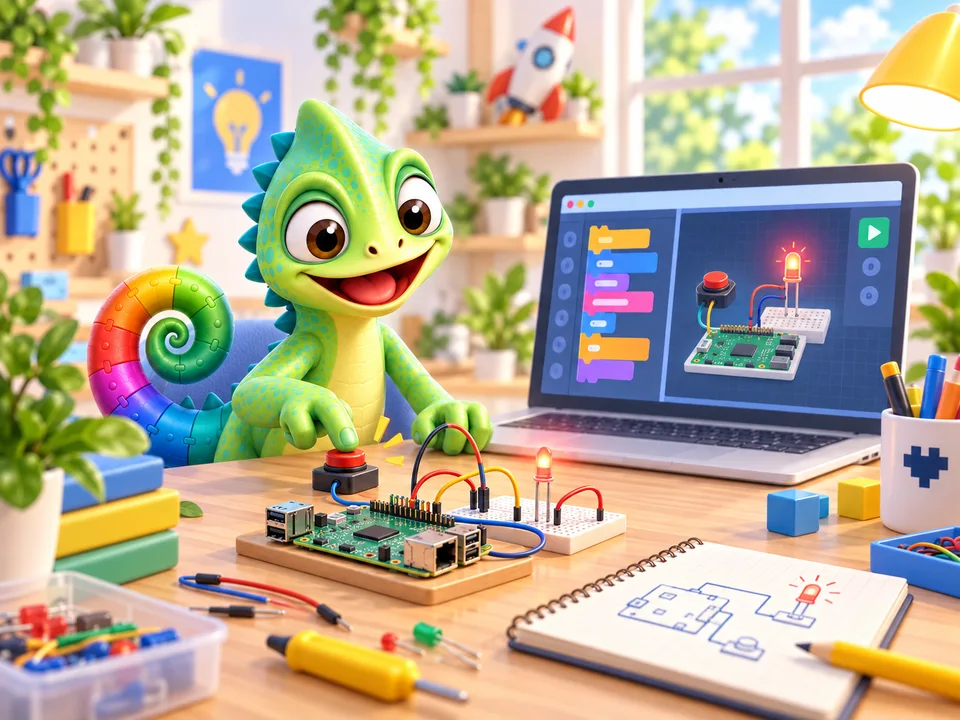
Give the computer instructions with blocks or text. Find the step that makes your drawing move.
Engineering
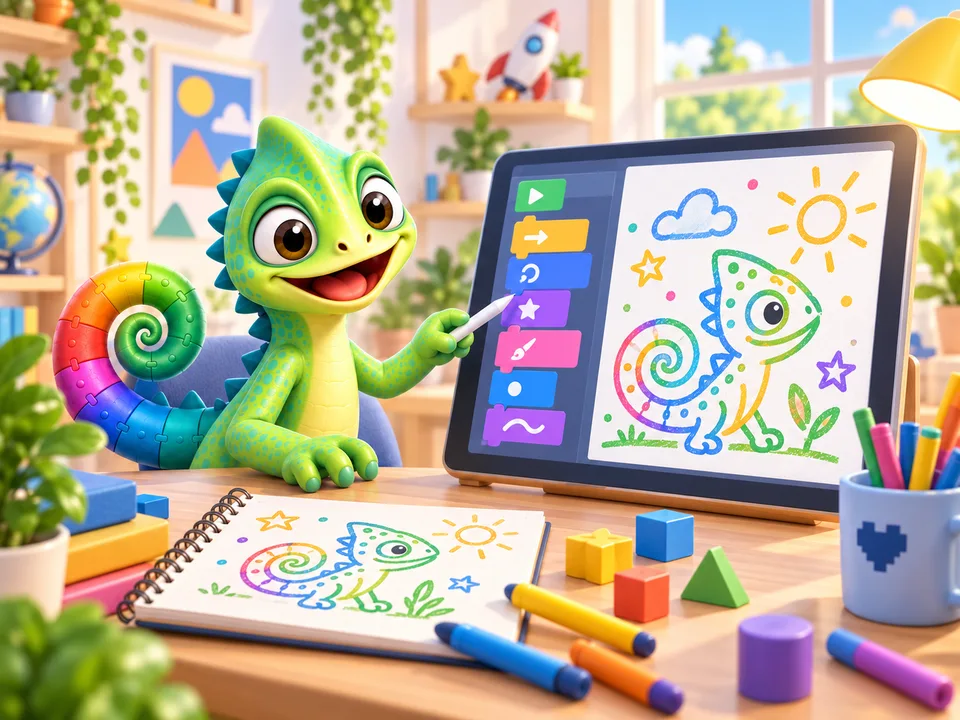
Design a route or a game rule, let someone try it and improve one part of your solution.
Mathematics
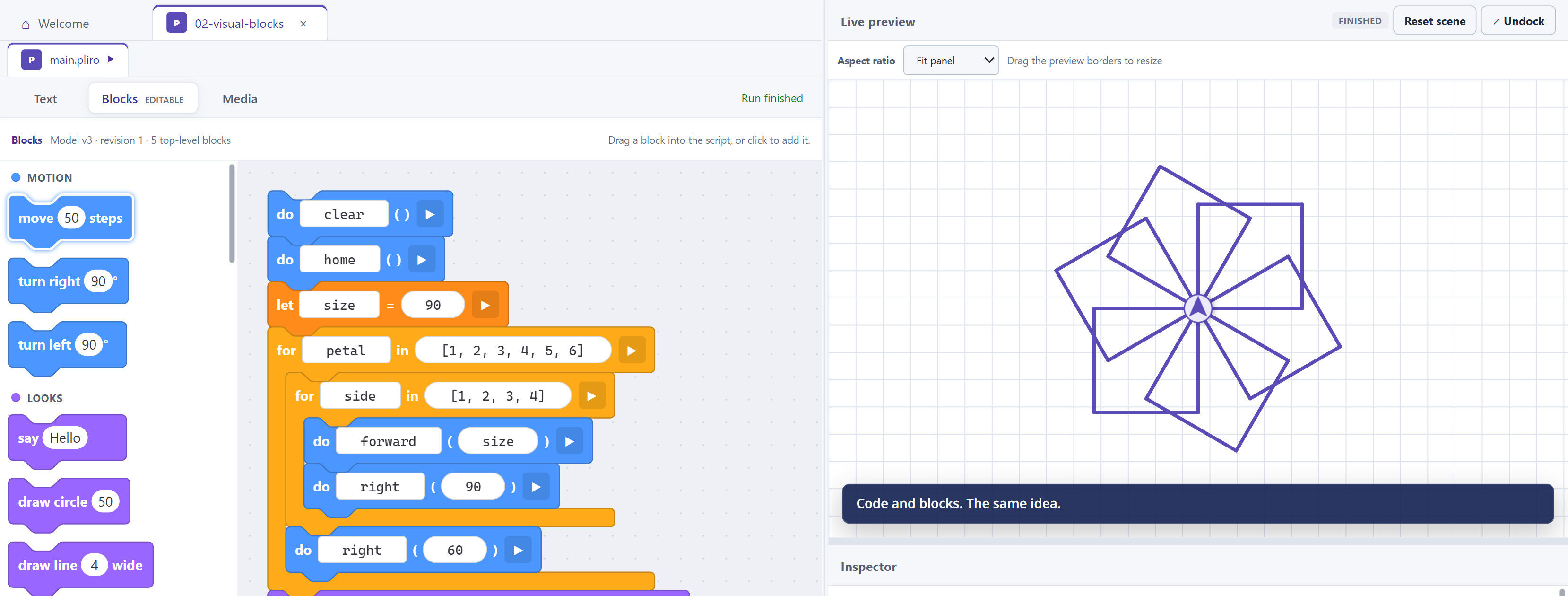
Explore angles, distances and patterns with the turtle. A square needs a turn of 360 / 4 degrees.
TRY IT TOGETHER
From four sides to six: what needs to happen to the turning angle? Ask your child to predict, draw and compare.
These first STEM projects work with free Learner. Physical projects with lights or sensors need a Raspberry Pi and suitable separate components, with adult guidance.
Background: Council for Science and Technology on STEM educationBEHIND EVERY ‘LOOK AT THIS!’
A project of their own brings numbers, thinking, drawing and music together. Your child imagines what to make, tries something and immediately sees or hears the result. Here are eight ways to practise.
Every child discovers something different. Follow their interests and pace, with enjoyment and small steps at the heart of it.
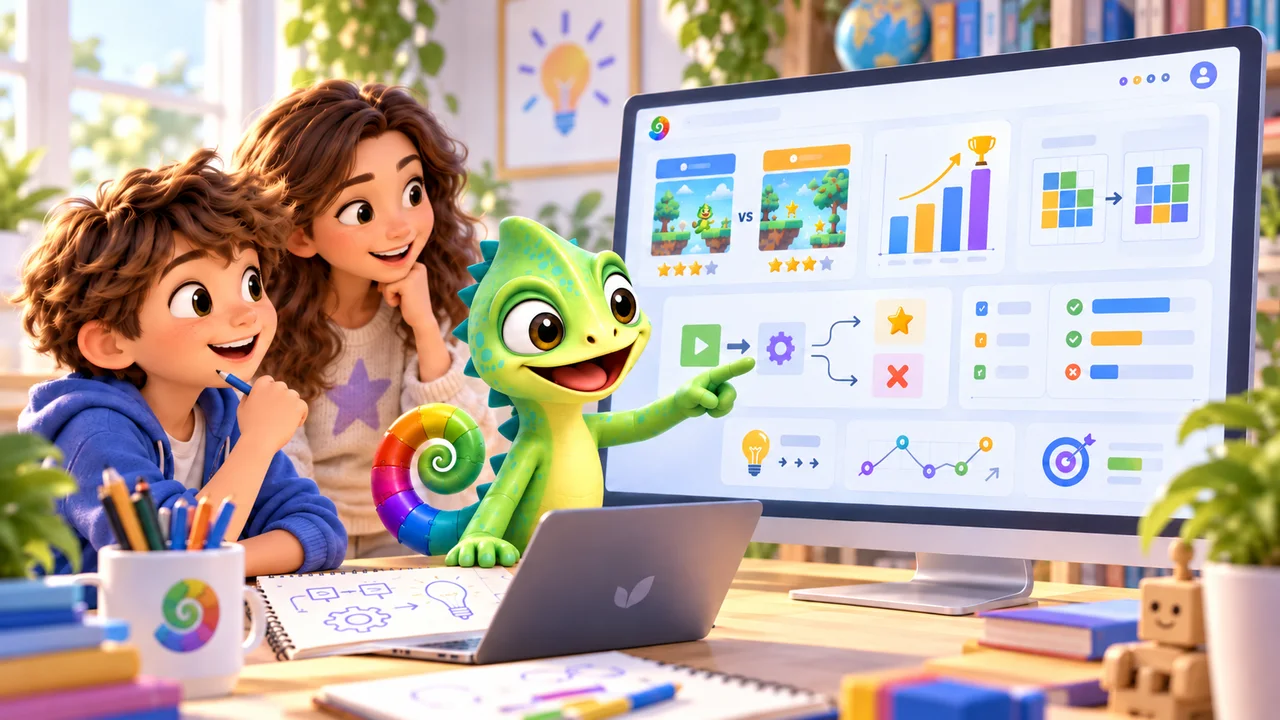
How far should a character jump? Which turning angle draws a square? Distances, angles, patterns and proportions make maths visible.
Your child practises mathematical reasoning by connecting numbers to their own design.
A question to ask togetherWhat happens if you double that distance?
A maze starts with one path. Then come the player, the exit and the rules. When something does not work, you look for the part that needs attention.
Your child practises analytical thinking: exploring a question, breaking it down and trying a specific solution.
A question to ask togetherWhich small part could we get working first?
Does each hit really score just one point? Your child predicts what should happen and tests it. Ideas from the internet or AI deserve a check too.
Critical thinking starts with asking questions, comparing results and revising conclusions.
A question to ask togetherHow could we test whether that always works?
Pliro lets your child compose game music using notes on a musical staff. A different note, a rest or a faster tempo can change how a game feels.
Listening and experimenting give them practice with rhythm, melody and musical choices.
A question to ask togetherHow could this music sound exciting or cheerful?
Your child designs game characters, also called sprites. Showing drawings in sequence creates an animation: a walking hero or a flapping bird.
Colours, shapes, movement and a story of their own make space for visual creativity.
A question to ask togetherWhat needs to change in the next drawing?
With a Raspberry Pi, a small computer, and suitable extra components, a program could make a light respond to a button. Build and explore this together with an adult.
This can help make physical principles tangible, such as an electrical circuit and cause and effect. The extra hardware is needed separately.
A question to ask togetherWhat needs to work before the light comes on?
The character walks backwards. Your child changes one instruction and tries again. When it works: ‘I solved that myself!’
Small, achievable steps make room for perseverance and confidence in their own ability.
A question to ask togetherWhat can you do now that you could not do before?
One person imagines the story, another draws. Together you discuss the next step and show each other how the game works.
Your child practises collaboration, explaining choices and considering someone else’s ideas.
A question to ask togetherCan you explain what we will make next?
AN IDEA FOR THIS AFTERNOON
Make a route that surprises you both. Your child is the designer; you think aloud together. Start small and feel free to finish after one satisfying discovery.
Ask your child to explain the last step. Look together at what does work. Then try one small change, or put the project aside for a while. You can help without taking over.
Draw a route for a turtle on paper: a square, a little house or a zigzag. Choose a starting point together.
Open a turtle example in Pliro. Change a distance or turning angle. Ask your child to predict what will happen, then press Run.
Choose a different colour or an unexpected turn. Give the project a name and save it. What might you add next time?
YOU’RE THEIR THINKING PARTNER
As a parent, grandparent or carer, you do not need to be a programmer. ‘How did you do that?’ is a great start. Pliro shows instructions beside their result. Let your child give you a tour and discover together what a small change does.
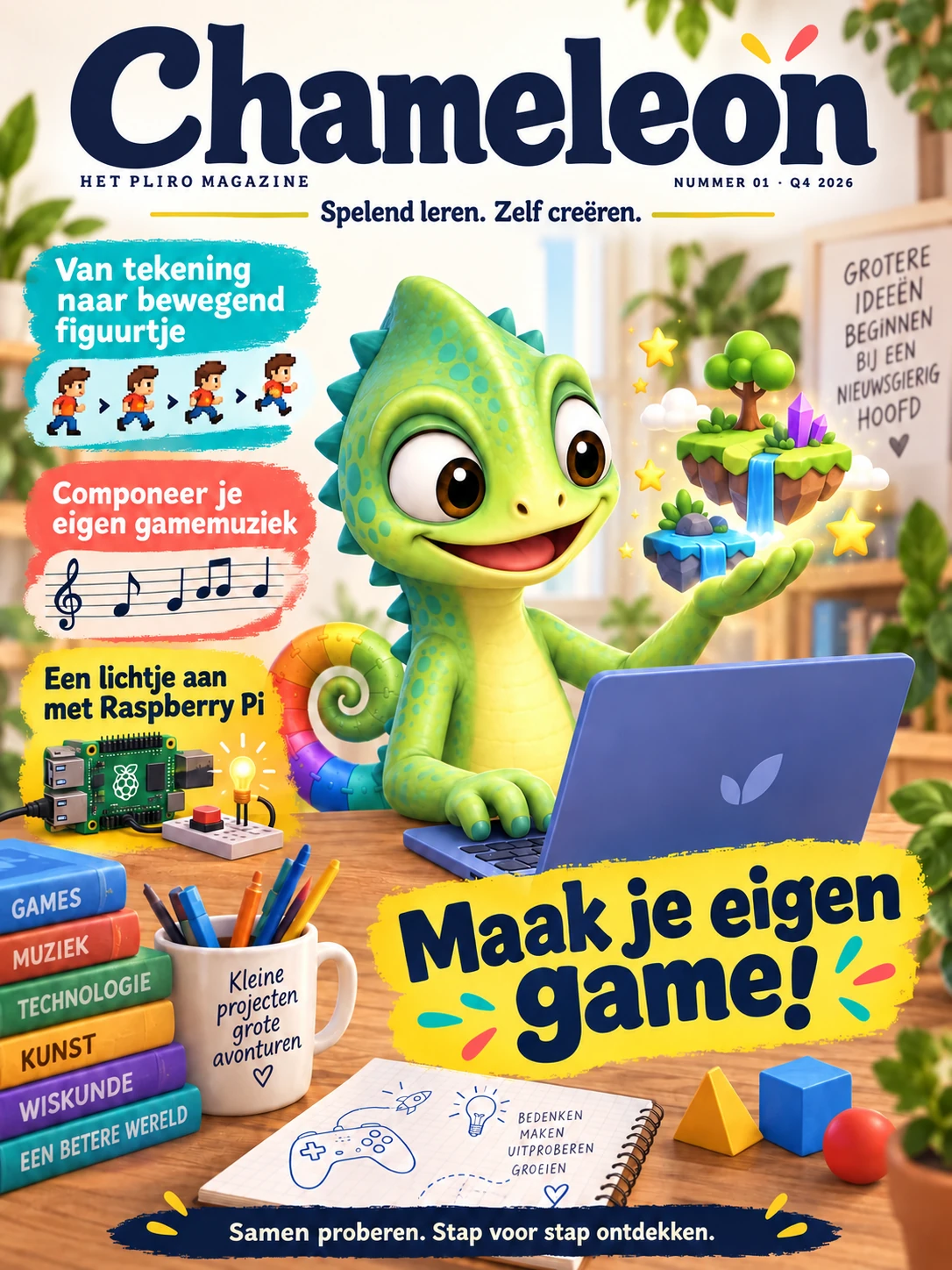
COMING SOON · THE PLIRO MAGAZINE
Chameleon brings science, technology and creativity together on paper. Read approachable science articles, discover surprising facts and explore STEM projects and coding challenges. Make a game, animation or melody, then investigate what happens when you change something. Read together and take an idea further. Regular Pliro projects use free Learner; Creator Pro extras are optional. Currently available in Dutch only.
Every two months · 6 issues per year · postage within the Netherlands included
First issue planned for January 2027
FOR THE NEXT BIG IDEA
For an original soundtrack, an animation with just the right timing or a useful app. Creator Pro gives makers visual editors and extra tools to finish their ideas.
Ordinary games, drawings and melodies remain free. Choose Pro when you want visual editors or the advanced development tools.
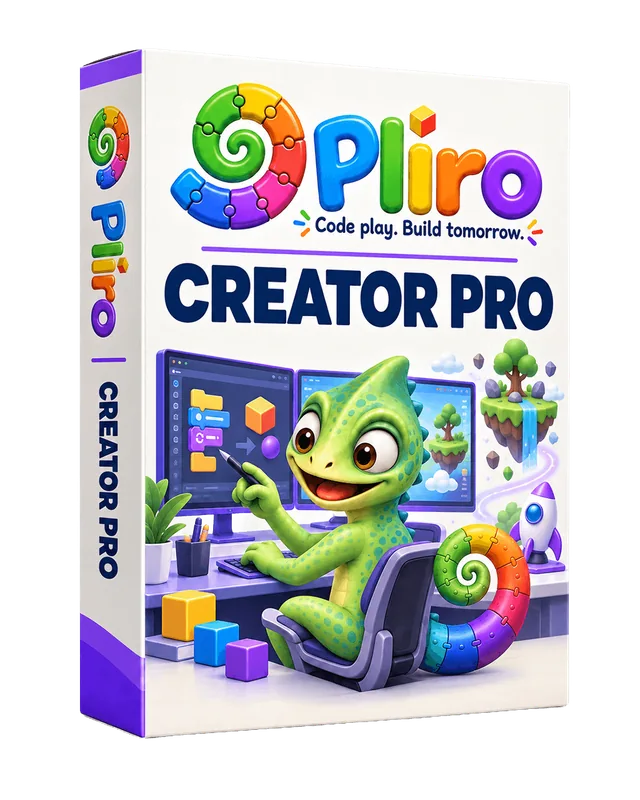 Buy Creator Pro
From a first idea to building further.
Animation timelines, the form designer and a composer with multiple music tracks.
Breakpoints, stepping through functions, watches, repeatable tests and a source profiler.
SQLite, selected files, broader web integrations and commercial authoring rights with paid Pro.
Purchase through Logicos Software Licensing
LOOK DEEPER · CHOOSE THOUGHTFULLY
Explore children's development, teaching approaches and the meaning of digital skills. With sources and something to try yourself.
FOR FAMILIES · DEVELOPMENT
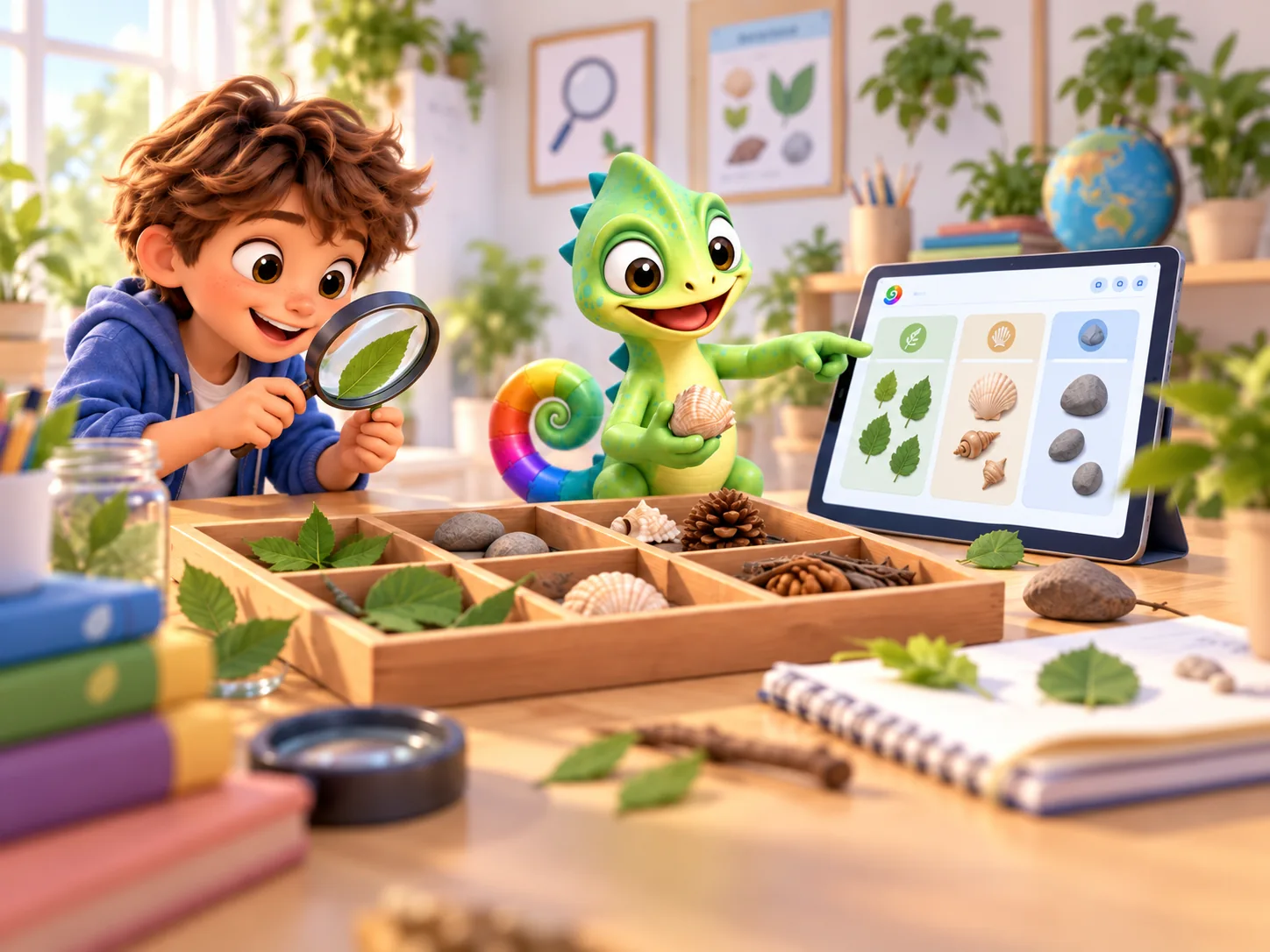
What do children practise when they learn to code? Explore problem solving, creativity and learning from mistakes, with research and a home activity.
Read the guide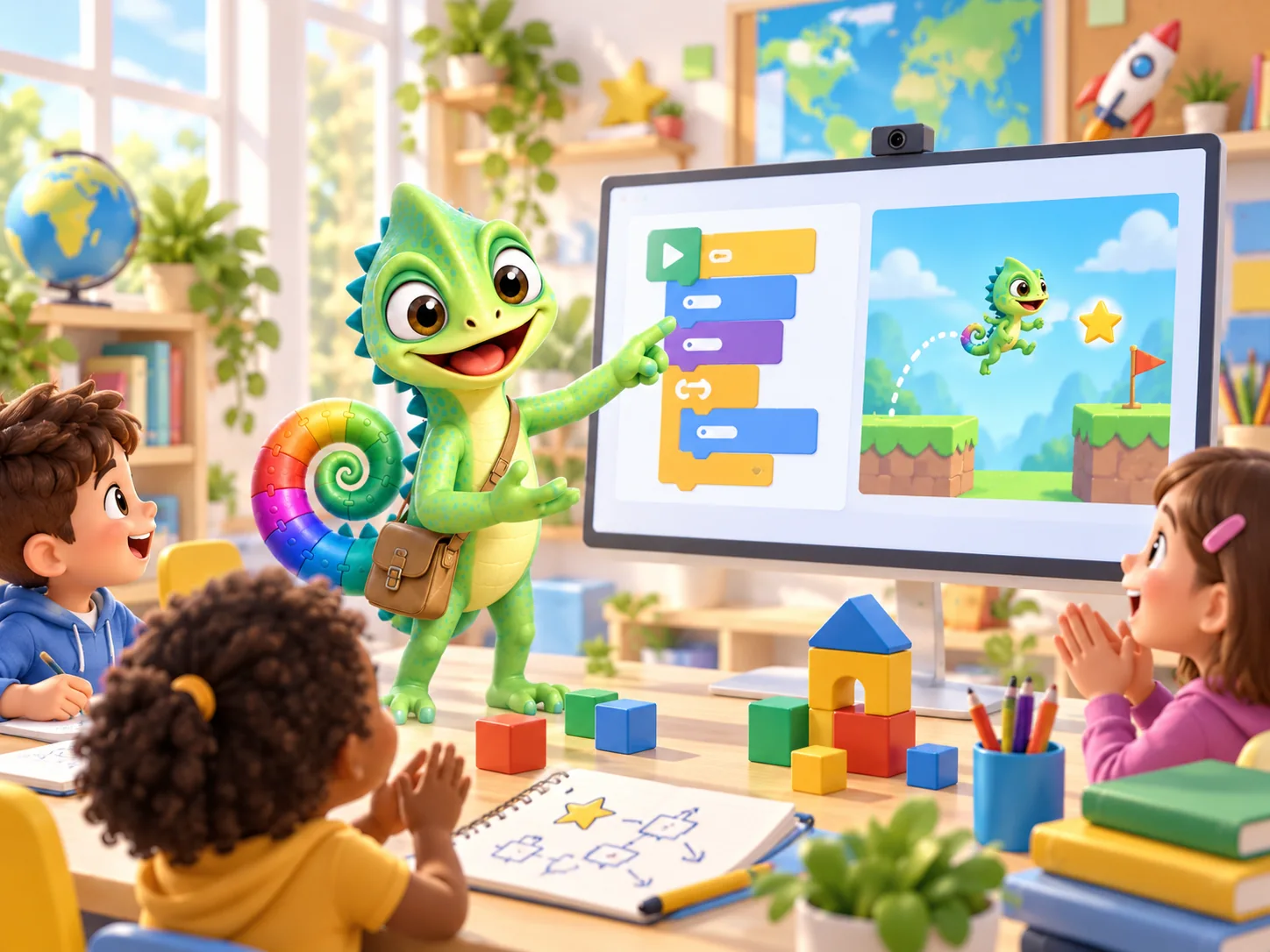
FOR TEACHERS · PEDAGOGY
A grounded start for teaching programming: PRIMM, digital literacy, differentiation and practical classroom observations.
Read the guide
FOR PARENTS & TEACHERS · FUTURE
Coding gives children a way to try their own ideas. Explore its connections with music, art, maths and thinking critically about technology.
Read the guidePRACTICAL QUESTIONS
No. Pliro supports both English and Dutch programming instructions, so your child can begin in English. Names they choose and the text in their project remain their own.
No. Start with an example, ask questions and let your child show you what happens. The guide helps with the first steps. Not knowing something together can be a good reason to investigate it.
No. The creative foundation, including drawings, 2D games and ordinary supported builds, is included in free Learner. Creator Pro is a deliberate next step for broader application development; see the product page for its current contents.
Yes. Pliro projects are saved as readable source files or portable project bundles. Save your work regularly and keep a backup. With an active free Learner licence, your child can keep opening and editing projects after a paid licence ends.
An interest of their own is a great starting point. Draw a character and make it move, or compose a short tune on the musical staff. There is no need to start with a whole game.
Yes. We are developing step-by-step lesson packs for schools. For home, Chameleon is the Dutch-language Pliro magazine with approachable science articles, creative STEM projects and coding challenges. Read together, ask questions and make something of your own. The first issue is planned for January 2027, followed by an issue every two months. Subscribe separately through the Dutch website; regular projects use free Learner. Delivery within the Netherlands is included. See the shop for current prices and terms.