FOR FAMILIES · DEVELOPMENT
A small program. A lot of thinking.
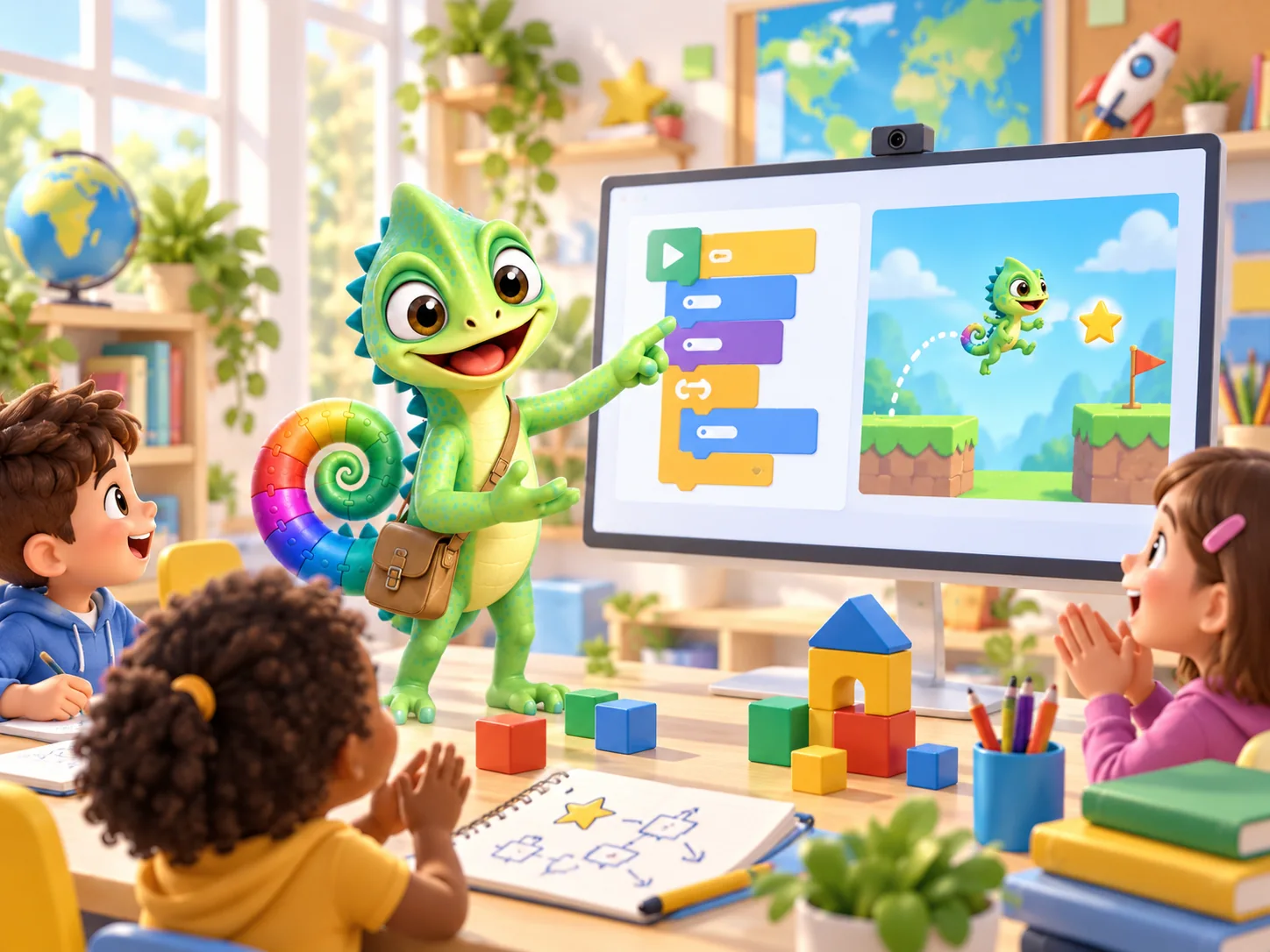
Your child wants a turtle to draw a square. They need to predict what will happen, choose a sequence and investigate why a line sometimes goes the wrong way. That process is what makes coding an interesting learning activity.
PUT IT INTO PRACTICE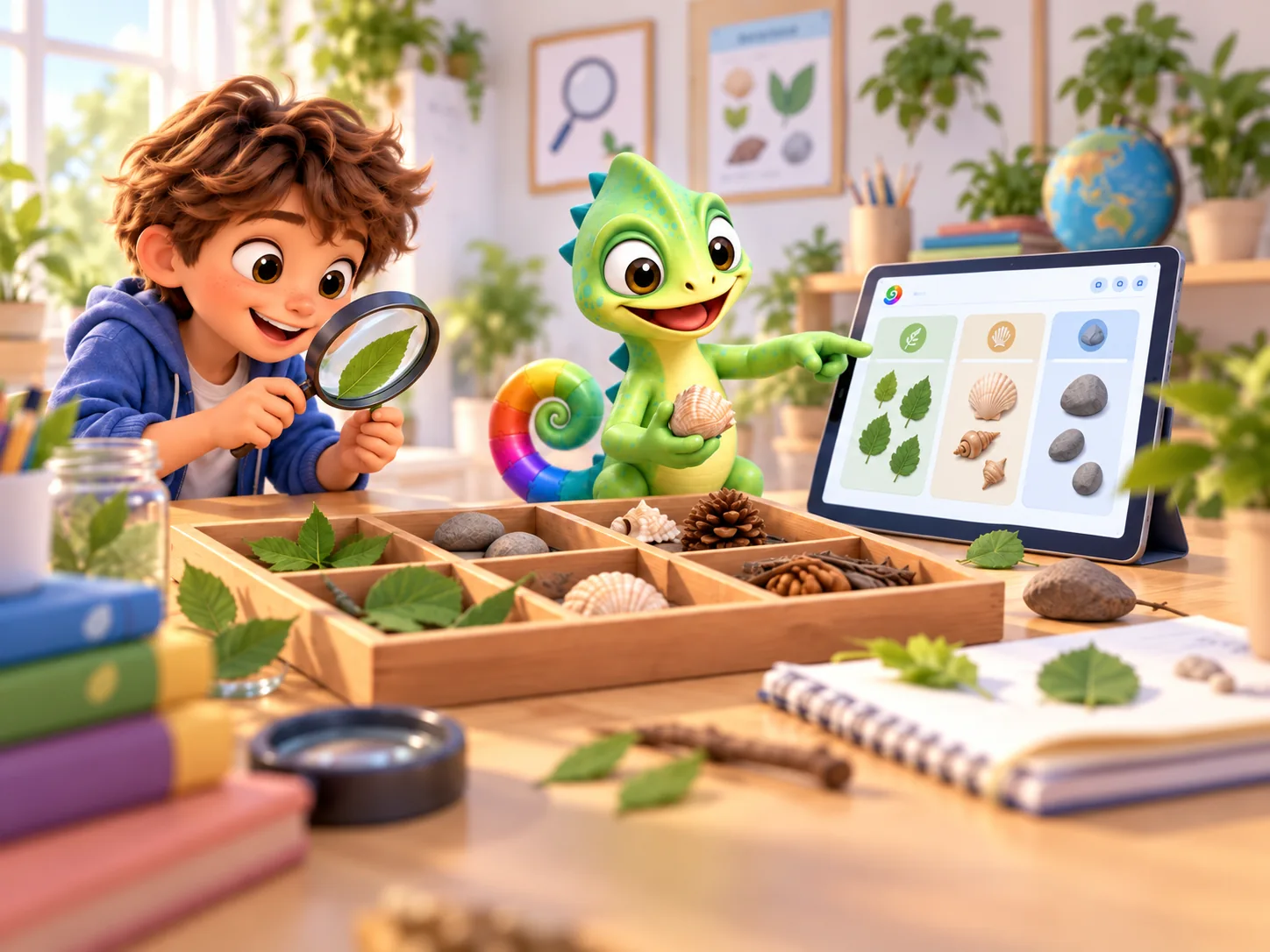
What does research say about the benefits?
A meta-analysis of 105 studies found positive average effects of programming education on other thinking skills. Effects were stronger for skills close to programming. School achievement and literacy benefited least. Comparisons with active control groups showed smaller effects.
This is encouraging, but does not show that every child becomes smarter through a coding app. Ages, teaching and interventions differed across studies. This research was not about Pliro.
Meta-analysis · Read the research or frameworkFour thinking moves you can observe
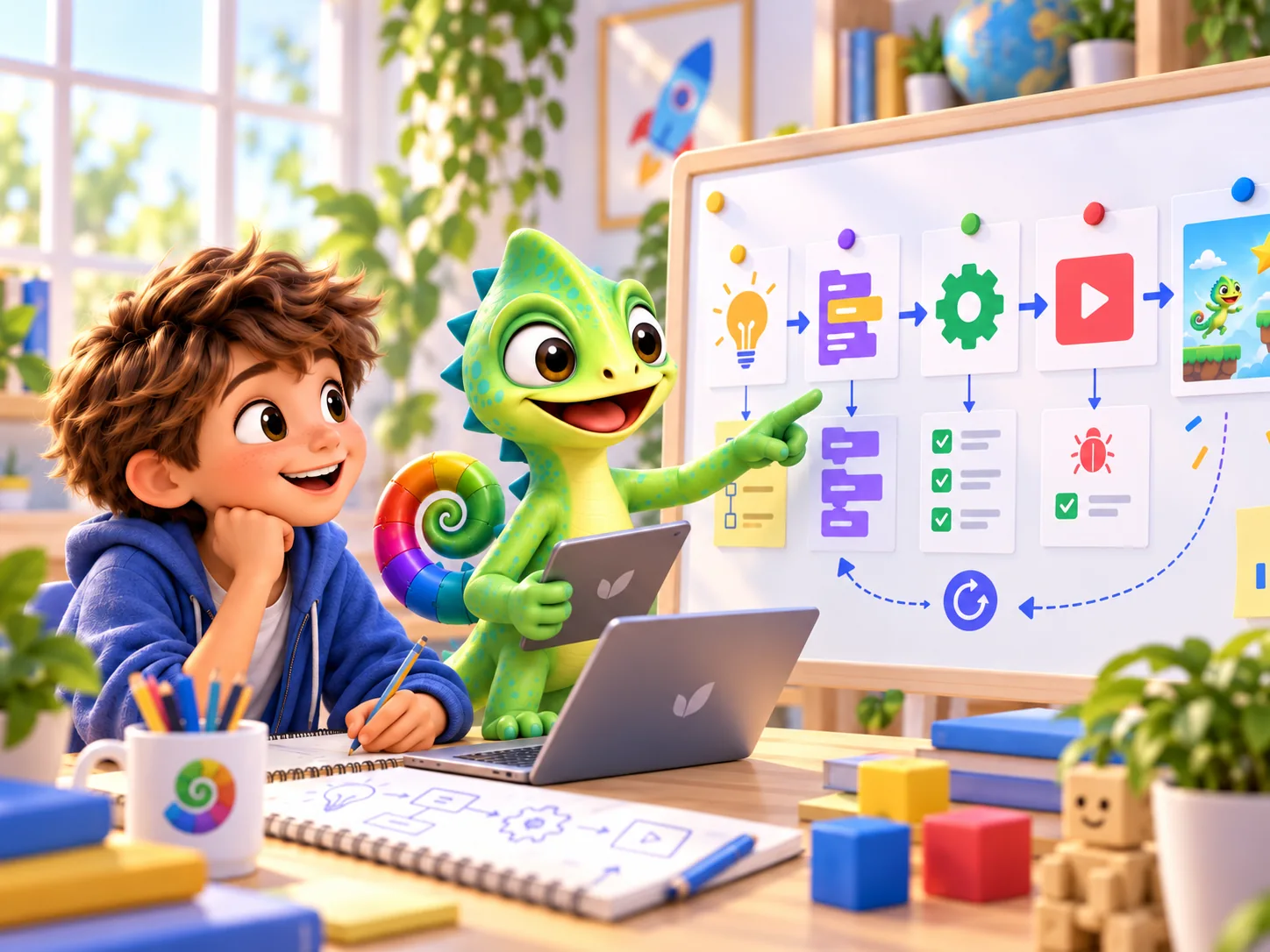
You do not need to run a developmental test at home. During a small project, look for these actions. They reveal where your child works independently and where a question might help.
- Breaking a problem down
- A game becomes several small questions: how does the character move, when do you score, and when is it finished? Start with one of those.
- Making a prediction
- Before running the program, ask where the turtle will finish. Then compare the result with the prediction together.
- Making a deliberate improvement
- Change one instruction and try again. An error becomes a specific question instead of a reason to change things at random.
- Explaining a personal choice
- Why that colour, repetition or game rule? Leave room for an original design and ask your child which choice made a difference.
From maths and art to music and physics
A game of their own can bring several interests together. These examples show what your child can practise; choosing just one is a fine start.
- Mathematical reasoning
- A turning angle changes a drawing’s shape. Distance and speed determine whether a jump works. Your child can predict, adjust and compare.
- Musical exploration
- Pliro lets your child compose game music using musical notation. Changing notes, rhythm and tempo and listening back helps them explore how music works and feels.
- Visual creativity
- A game character is also called a sprite. Your child can draw and animate it with a sequence of images, choosing their own colours, shapes and movement.
- Physical principles
- With a Raspberry Pi and suitable extra components, you can make a light respond to a button together. This makes a circuit and cause and effect tangible. The small computer and components are needed separately.
- Perseverance and collaboration
- A failed attempt can point to the next step. Explaining what already works, sharing tasks and celebrating a small improvement creates room to build confidence.
Support the thinking; let your child own the work
Pause before offering a solution. “What did you expect?” opens a conversation without taking over the keyboard. If the task is too hard, make it smaller or demonstrate one step together.
Include drawing, movement and explanations away from the screen. Your child could walk the route before controlling the turtle. The aim is to investigate an understandable problem, rather than spend as long as possible at a laptop.
Pliro offers Dutch and English syntax, blocks and immediate visual feedback for this kind of practice. These are opportunities to learn. Greater confidence or perseverance are not guaranteed outcomes of the software.
PUT IT INTO PRACTICE
Try it together: change one thing
Set aside about twenty minutes. Paper and the drawing experiment on the children's page are enough.
- Draw a shape together. Ask your child to predict how many sides and turns it needs.
- Open the drawing experiment. Choose the number of sides and compare the result with your sketch.
- Change one setting. First ask what your child expects to change.
- Invite your child to explain the difference and choose another shape to try independently.
Afterwards ask: “What did you not know before, and how did you find out?” Keep the sketch with a sentence from your child.
Try the drawing activityQuestions worth asking
Does my child need to be good at maths?
Start with a small, visible goal. Steps and patterns offer useful starting points; maths need not be an entry requirement. Adapt the activity if numbers or angles get in the way of enjoyment.
Does an error mean my child does not understand?
An error becomes informative when you look at what happened together. Can your child identify where their prediction and the result differ? That gives you a useful next step.
Updated on 22 September 2026. Editorial team: Pliro.
Sources & editorial notes
- Meta-analysisScherer, Siddiq & Sánchez Viveros (2019) — The cognitive benefits of learning computer programming
Research findings, curriculum frameworks and our own practical suggestions are identified separately. AI-generated illustrations show fictional learning situations.
PLIRO · A FIRST STEP
Discover what your child wants to make.
Try a small drawing activity together first. Pliro Learner is free; Creator Pro is for those who want to go further with making applications.