FOR TEACHERS · PEDAGOGY
Make the thinking behind the code visible.
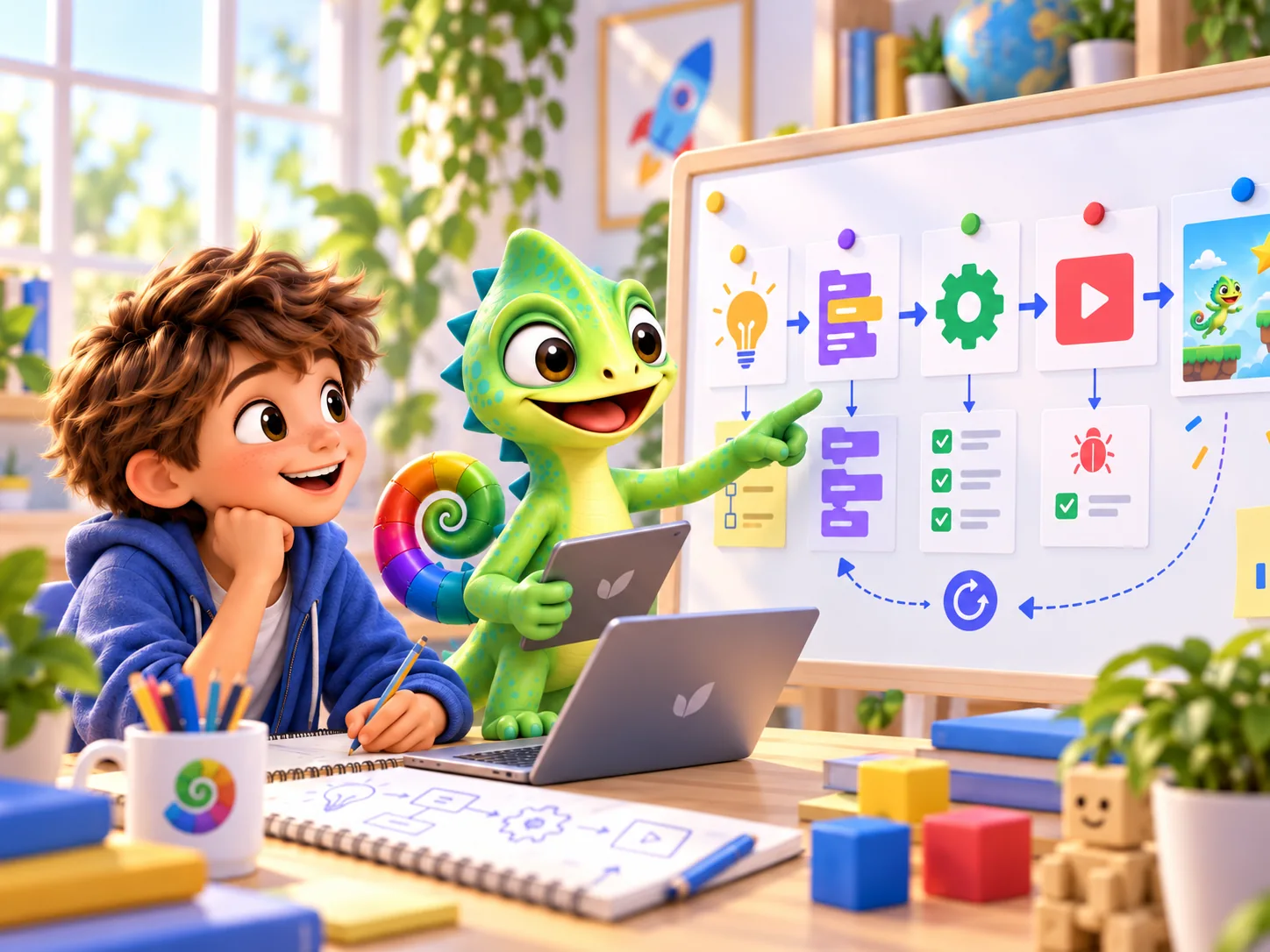
One learner can copy code without understanding it. Another can explain a thoughtful approach while their program still has errors. Good programming lessons make room for both observations: the product and the reasoning behind it.
PUT IT INTO PRACTICE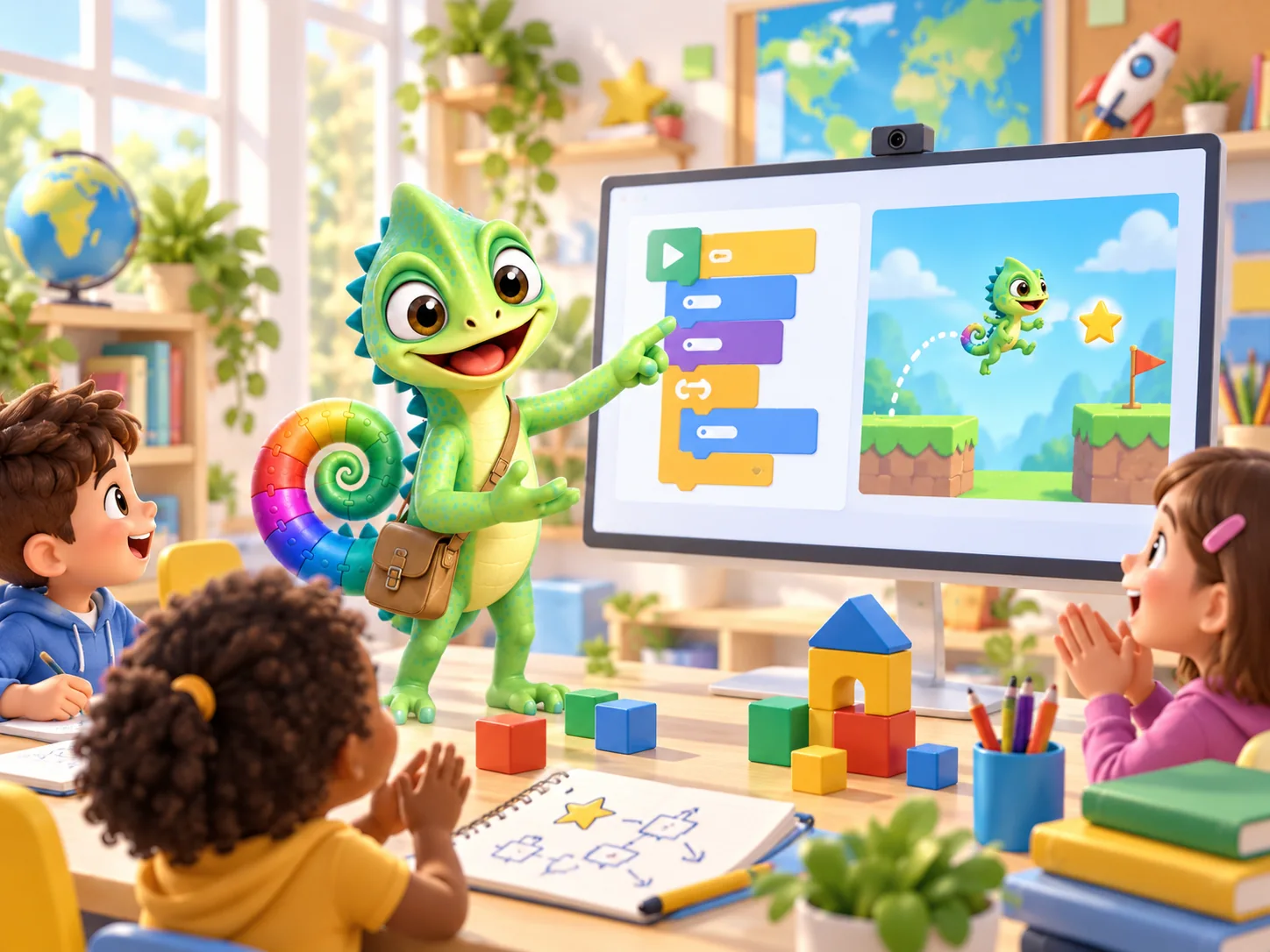
From reading and discussing to making
PRIMM structures programming lessons around predicting, running, investigating, modifying and making. A study across 13 schools with 493 learners aged 11–14 reported better results for the PRIMM group than the control group. It offers a research-informed starting point for lesson design, not proof of Pliro's impact or identical outcomes for younger children.
Secondary-school study · Read the research or frameworkA place within digital literacy
The final draft attainment targets published by SLO and the Dutch education ministry in 2025 provide direction for digital literacy, including making digital products and programming. Use the source to discuss your learning objectives and school approach.
A sequence of Pliro lessons can support programming activities but does not automatically cover the whole subject. Evaluating information, privacy, media and the social meaning of technology also need attention. Referencing this framework does not mean Pliro is certified.
Curriculum framework · Read the research or frameworkAssess a thinking step, not just the finished picture
Choose in advance what you want to hear or see. These observation prompts are our practical suggestions for an introductory sequence, not standardised assessment instruments.
- Sequence
- Can the learner identify the first instruction and the next position without running the program? Ask for a sketch or spoken explanation.
- Repetition
- Can the learner recognise a repeated section, combine it and explain how many times it runs? Compare two versions.
- Investigating errors
- Can the learner locate a difference between prediction and result, choose one change and test again? Keep both versions.
- Reasoning together
- Can each learner explain what the pair is trying? Swap the roles of operating and observing so that one learner does not own the whole conversation.
The same idea, with different support
Give a short starting program to learners who need support. Begin with ordering, pointing or drawing a prediction. More experienced learners can make a variation and explain what stays the same.
Pliro offers blocks and readable text, with Dutch or English syntax. Choose the representation that helps explain the concept. Switching representation is a tool; the objective might still be understanding repetition.
Try one lesson with your group first. Note whether language, controls or the programming concept creates the difficulty. Use those observations to adapt the next lesson before planning a long sequence.
PUT IT INTO PRACTICE
A trial lesson: from prediction to a personal pattern
A roughly 35-minute lesson inspired by the PRIMM sequence. This is a Pliro teaching suggestion, not an evaluated intervention.
- 5 minutes — Show a short turtle program. Learners first draw their prediction on paper.
- 5 minutes — Run it and discuss one difference between prediction and result.
- 10 minutes — In pairs, identify which part repeats. Swap the operator and explainer.
- 10 minutes — Change one value, then make a personal variation.
- 5 minutes — Collect a drawing and the sentence: “My change did … because …”.
Exit question: “How could you tell whether your explanation also works for a different shape?” Use the answer to choose the next lesson.
Open the lesson kitQuestions worth asking
Do I need programming experience?
Prepare and run the small example yourself beforehand. The lesson kit provides starting points. You do not need every solution, but you do need the learning objective and the example's expected behaviour.
Has this been scientifically demonstrated for Pliro?
No evaluation of Pliro's educational impact is presented here. We distinguish research on teaching programming, curriculum frameworks and our own lesson suggestions. Evaluate their usefulness with your learners.
Updated on 22 September 2026. Editorial team: Pliro.
Sources & editorial notes
- Secondary-school studySentance, Waite & Kallia (2019) — Teaching computer programming with PRIMM
- Curriculum frameworkSLO / OCW (2025) — Definitieve conceptkerndoelen digitale geletterdheid
Research findings, curriculum frameworks and our own practical suggestions are identified separately. AI-generated illustrations show fictional learning situations.
PLIRO · A FIRST STEP
Turn the background into a first lesson.
Start with the free lesson kit. Then explore whether the education offer fits your class and approach to teaching.