
THINK IT. MAKE IT. PLAY IT.
Your idea. Your own game.
Pliro is a programming language for children. You give a computer instructions, step by step. That's how you make your own game, drawing or invention!
You practise making a plan and finding your own solutions. Useful for your ideas today and in the future.
TRY IT HERE
You choose. The turtle draws.
Choose how many sides your shape has: 3, 5 or 8. Then press the draw button. What shape do you think the turtle will make?
Ready to make something
Here you can choose a shape to try. In the Pliro app, you can change the instructions yourself.
Try in the playgroundClick ‘Blocks’ too. You'll see the same instructions as blocks instead of text.
WHAT WILL YOU MAKE?
Choose your adventure
A game, a drawing or a light? Start with an example. Then change something yourself.
FOR PEOPLE WHO LOVE GAMES
Your maze. Your rules.
How fast can you walk through a maze? Where are the walls? In your own game, you can change these things. Start with the laser maze.
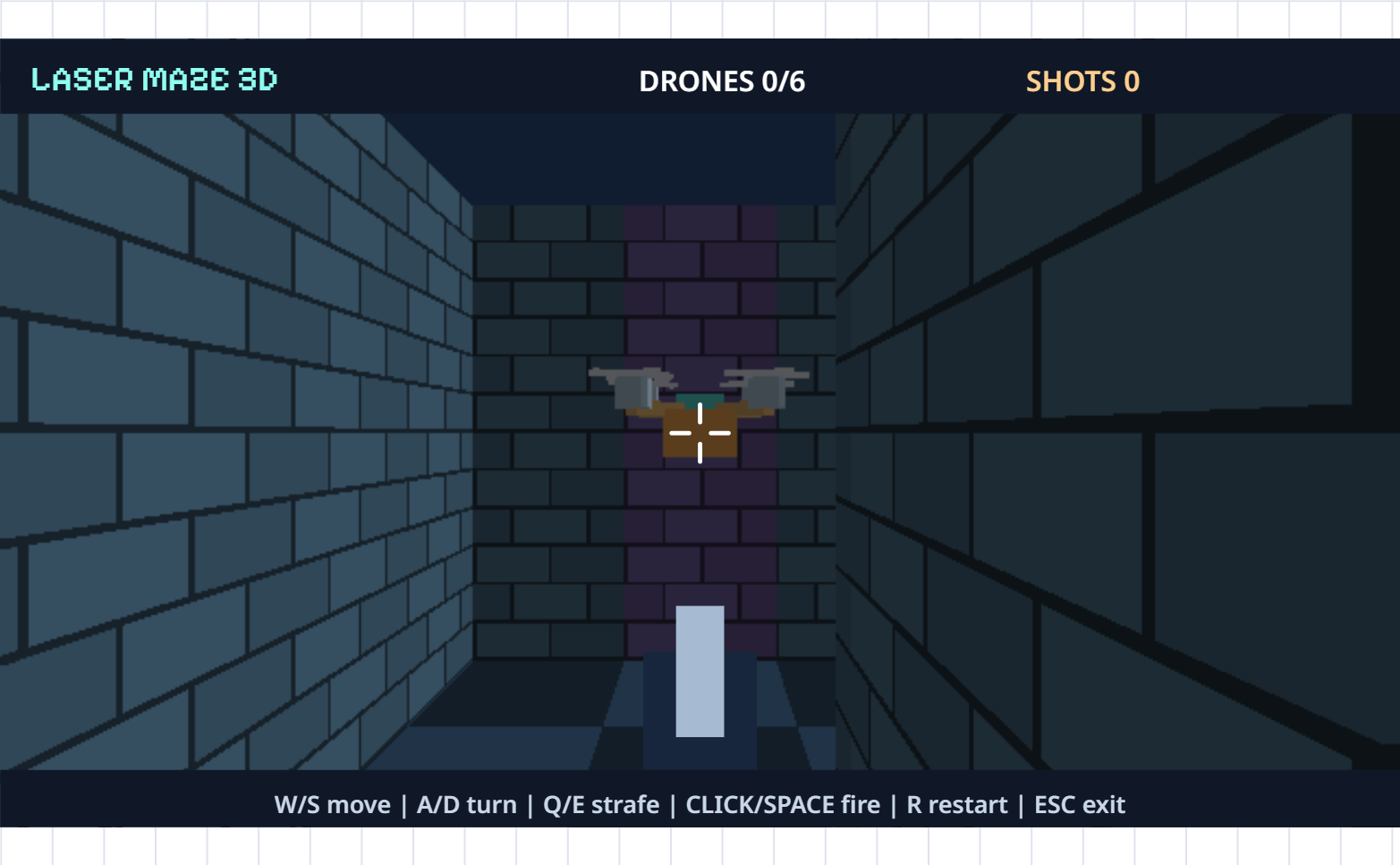
MADE WITH PLIRO
Play. Change. Discover.
These are real Pliro games. Pick one, play, and explore the code that makes it work.

YOU DON'T HAVE TO KNOW IT YET
Not working yet?
That can feel tricky. Take a look at your instructions. Change one thing and try again. You can always ask for help or take a break.
- Try it
- Look
- Change it
- Again!
WANT TO FIND OUT MORE?
A small idea. A step further.
Think up a game. Find a mistake. Check if an idea works. You practise all of these when you code. Useful for your next game, for school and as you grow.
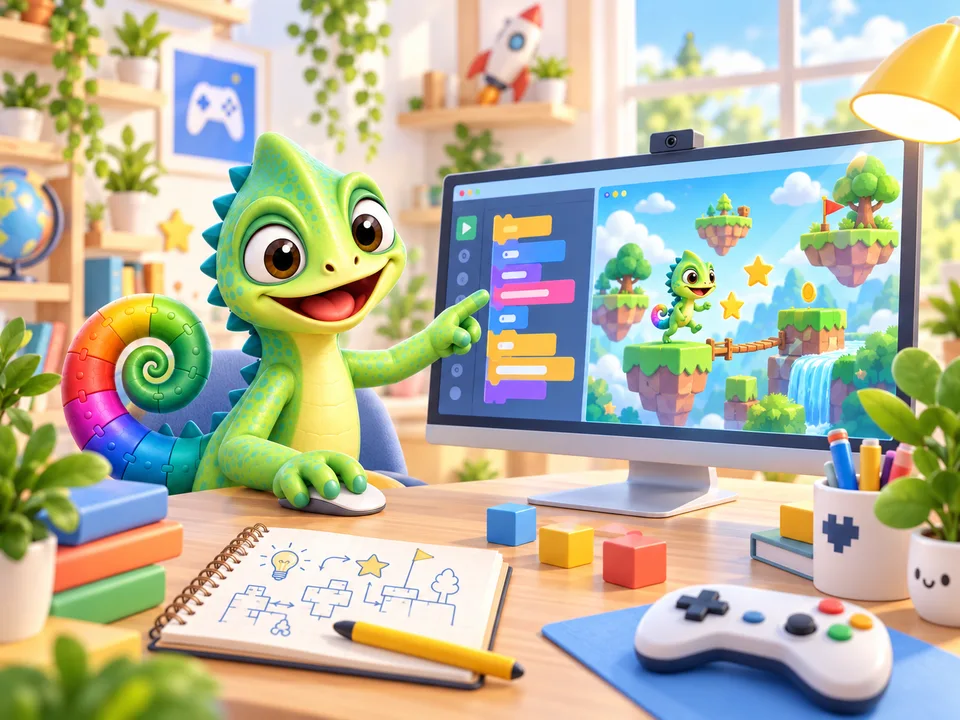
Plan your first game
Choose the rules and draw a maze. Let someone try your game.
Read and try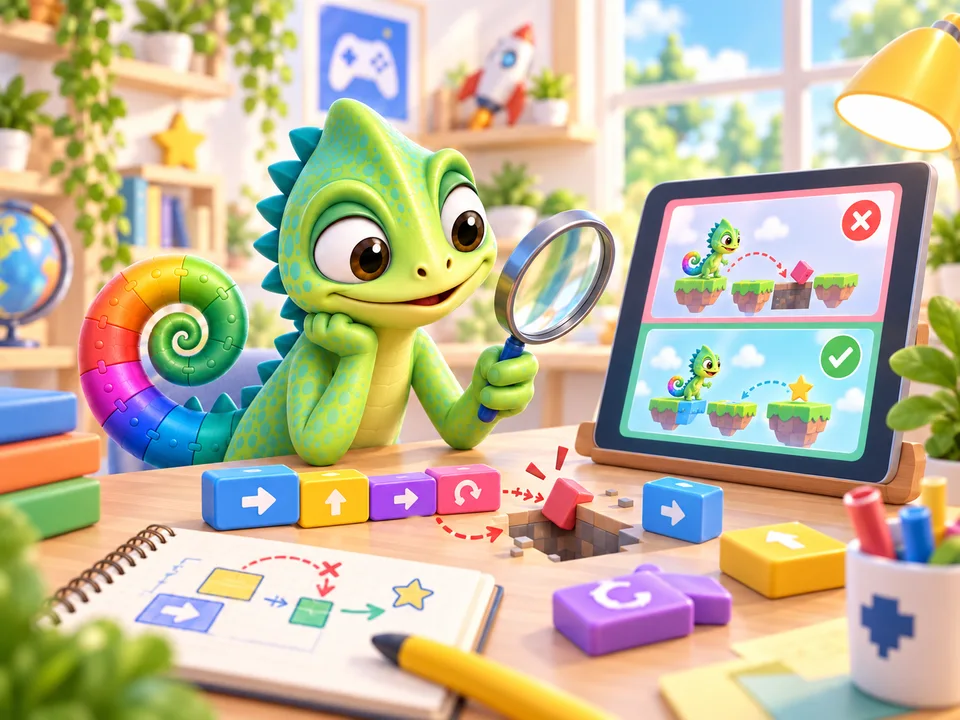
A mistake? Be a detective
Is your game doing something odd? Look closely, change one thing and try again.
Read and try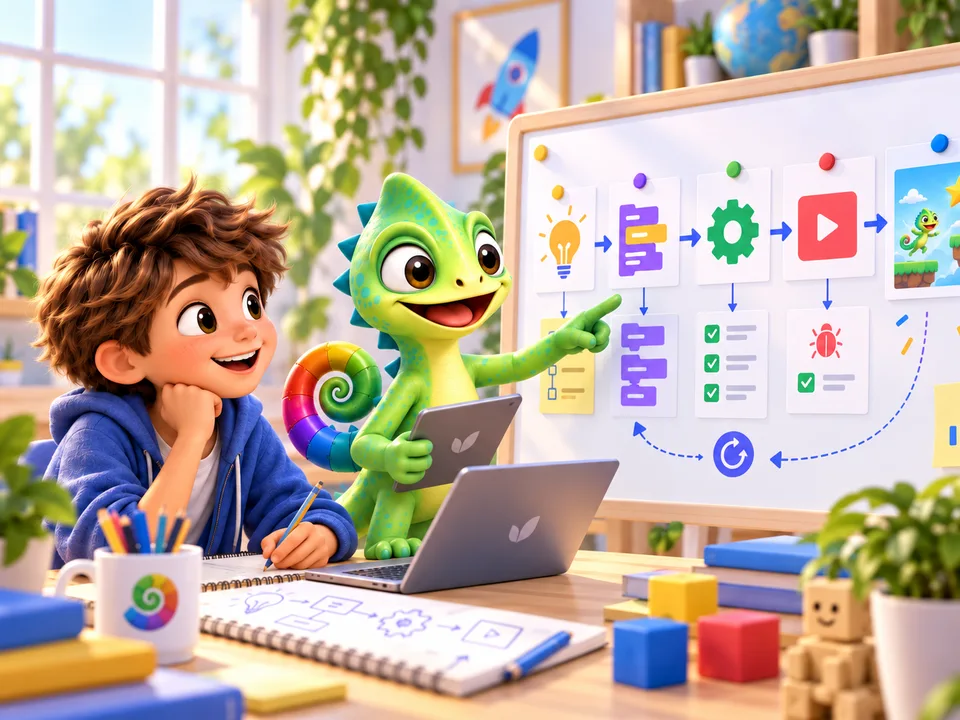
AI can help. You decide.
An AI idea sounds clever. But does it work? You can find out.
Read and tryWANT TO KEEP GOING?
Make your first project
Ask a parent or another grown-up to put Pliro on your Windows or Linux computer. Choose an example together. Then you're ready to start!
Also available for Linux AMD64 (.deb)For supported Debian-based systems · 64-bit Intel / AMD
Pliro Learner is free. A grown-up can help you get your free licence key: a code that lets you open Pliro.