FOR PARENTS & TEACHERS · FUTURE
More ways to help shape the world.
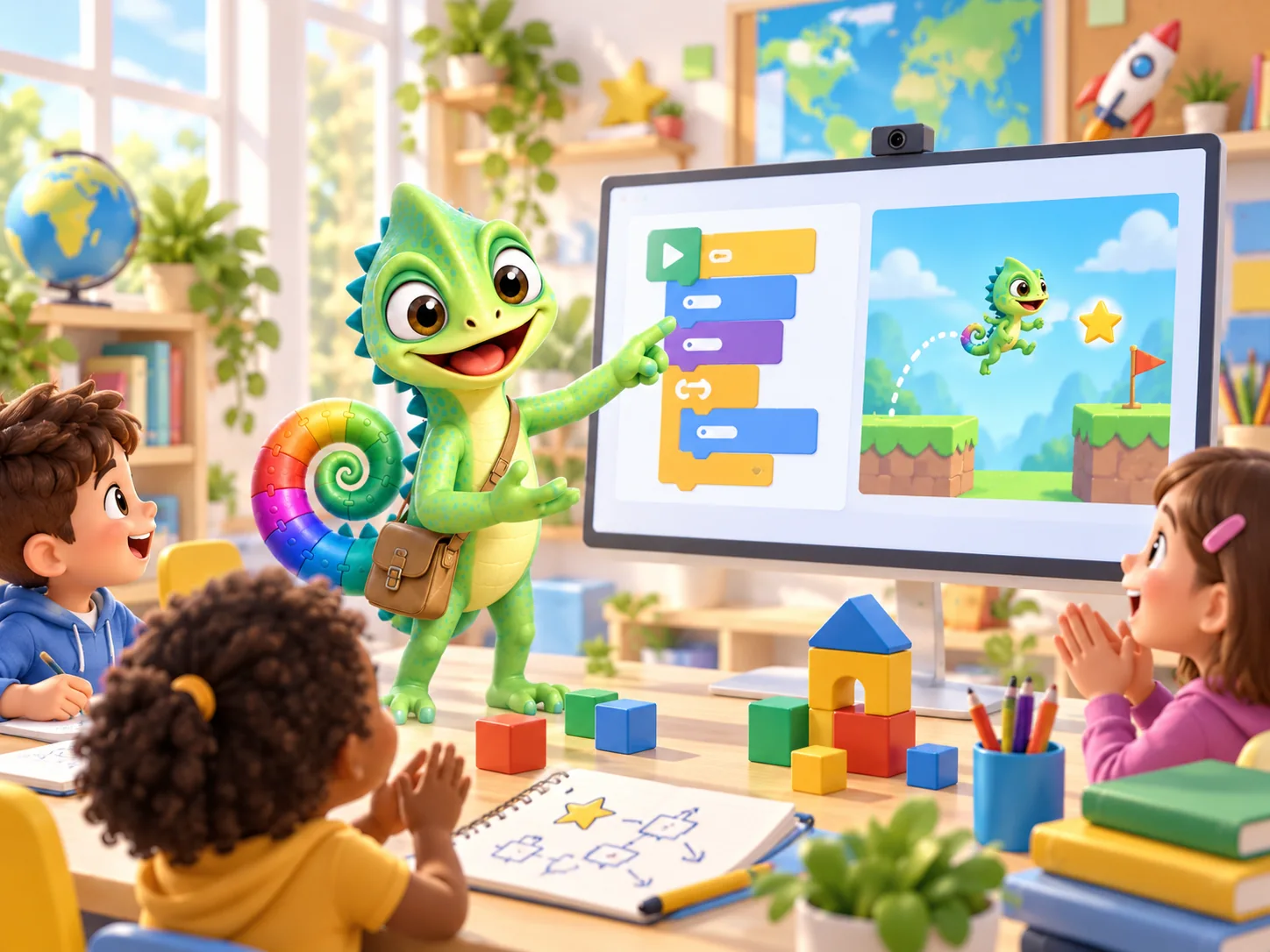
What if your child could invent a game rule, bring a drawing to life or compose music for a story? Learning to code creates room to try those ideas. They experience what it means to make and change something themselves.
PUT IT INTO PRACTICE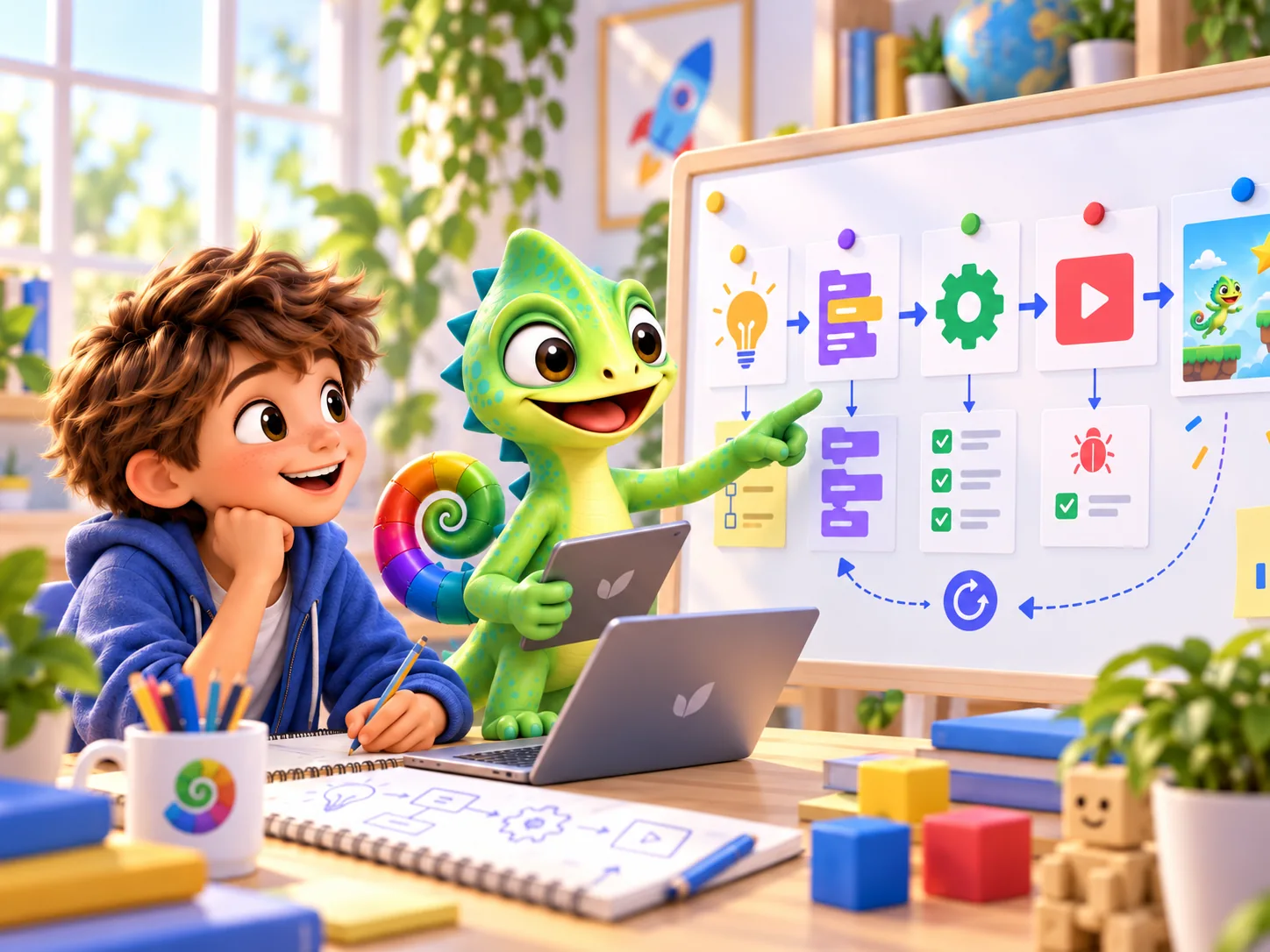
Digital competence goes beyond code
DigComp 3.0, the European competence framework from 2025, includes thinking critically about information, collaboration, creating digital content and solving problems. Such experience can be useful at school, in everyday life and later at work. For children, it starts with something that interests them now.
European competence framework · Read the research or frameworkWhy STEM development matters
STEM stands for science, technology, engineering and mathematics. SLO describes investigation and design as central activities in science and technology education. They give children a context for applying maths, asking questions and discussing possible solutions.
A practical Pliro activity: draw a square, then change it into a hexagon. Ask your child to predict how the turning angle changes, run the code and compare the results. This connects investigation, programming and geometry. Ask why the shape closes: a complete turn is 360 degrees.
You can do this with free Learner. Choose a small task, help with questions and ask your child to explain their approach. What they learn also depends on the task, practice and guidance.
Education framework · Read the research or frameworkIf AI writes code, what is left for a child to learn?
A useful outcome begins with a clear question. Even with automatically generated code, someone needs to decide what a program should do, which examples make good tests and whether the result is correct. These are worthwhile questions to explore with children.
A child who has programmed a simple game rule has a concrete example to discuss: when does a point count, what happens with unexpected input, and who chooses the rule? If AI fits your learning setting, use it to open that conversation.
Pliro puts understanding and making things yourself at the centre. Ask your child to explain and test a small program. This gives them practice in thinking for themselves, even when a computer helps with an idea or solution.
Three directions for curiosity
Follow what your child enjoys. Music, drawing, maths and investigation can all be the starting point for a small project.
- Designing, storytelling and composing
- Draw a game character, animate it and compose its music on the musical staff. Discuss how colours, movement and sound tell a story together.
- Investigating and measuring
- Draw a pattern or compare measurements of a plant. Discuss what a number tells you, what you do not yet know and when a measurement could mislead.
- Making something useful
- Design a quiz or simple tool for a club. Ask someone else to try it and tell you which step was unclear. Then improve one part.
A beginning with room to grow
Choose a project that matters today. A finished small experiment offers more to discuss than an ambitious project only an adult understands. Interests can change: coding can sit alongside music, sport, drawing and outdoor play.
Pliro starts with immediate visual feedback and readable code. The same language can grow with larger projects. Learner is free; Creator Pro adds production application capabilities. Classroom supports teaching workflows. A paid offer is not required to practise the first programming concepts.
PUT IT INTO PRACTICE
A conversation about a digital design
Choose a game, quiz or simple drawing your child wants to create. Start on paper.
- Who is it for, and what small problem or idea is at its heart?
- Which three things should it do? Choose one to build first.
- Think of an ordinary situation and one where something could go wrong.
- Ask someone else to try it and explain what happened differently from their expectations.
Ask: “Which decision did you want to make yourself, and which part could a computer help with?”
Explore the making projectsQuestions worth asking
What if my child mainly enjoys music or drawing?
Start there. Compose a short melody, draw a character or design a pattern. Coding can be a way to explore an existing interest further.
Does my child need to make a big project straight away?
No. One animated drawing or a working game rule is already something to be proud of. Let your child explain what they discovered and decide together whether to take another step.
Updated on 22 September 2026. Editorial team: Pliro.
Sources & editorial notes
- European competence frameworkCosgrove & Cachia, European Commission JRC (2025) — DigComp 3.0
- Education frameworkSLO (2023) — Componenten van wetenschap en technologie
Research findings, curriculum frameworks and our own practical suggestions are identified separately. AI-generated illustrations show fictional learning situations.
PLIRO · A FIRST STEP
Start with your child's idea.
Explore a game, drawing or invention together. Then decide which support or capabilities you need.