
YOU ARE THE DETECTIVE
Oops. That was not the plan!
Your character walks the wrong way. Or your drawing looks odd. That happens to people who have been coding for years too. You do not have to solve it straight away.
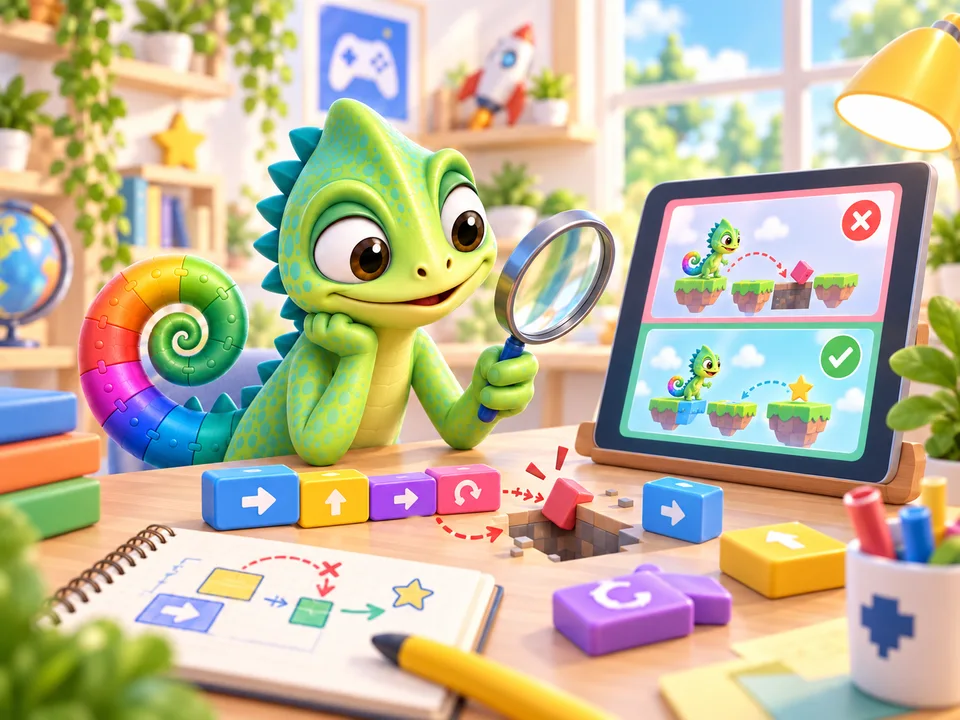
Here is how to work it out
Look closely
What did you want to make? What actually happens? Say it out loud. For example: ‘I want a square, but I can only see three lines.’
Change one thing
Look at the instructions for your drawing. Does the last line get drawn? Pick one thing to change. That way, you can see what it does.
Try again
Run your program again. Is it better? Great! Not yet? Undo your change and try something else. You can always ask for help.
TRY IT YOURSELF · ON PAPER
Where is the fourth line?
Grab paper and a pencil. Start each line where the last one ends. Make every line the same length.
- Draw a line to the right.
- Draw a line down.
- Draw a line to the left.
Which instruction is missing?
Draw one more line up, back to the start. Now you have four lines: a square! You found a missing step. You can look for missing steps in your program too.
Try something in the drawing demo
Choose a different number of sides. First, guess what the shape will look like. Let the turtle draw it and see if you were right.