PLIRO CREATOR PRO
For the next “look what I made!”
A first game is just the beginning. With Creator Pro, your child can animate characters, make music with different instruments and design screens for an app of their own. All in the same Pliro they already know.
For the Pliro app on Windows and supported Linux computers.
PICTURES AND SOUND
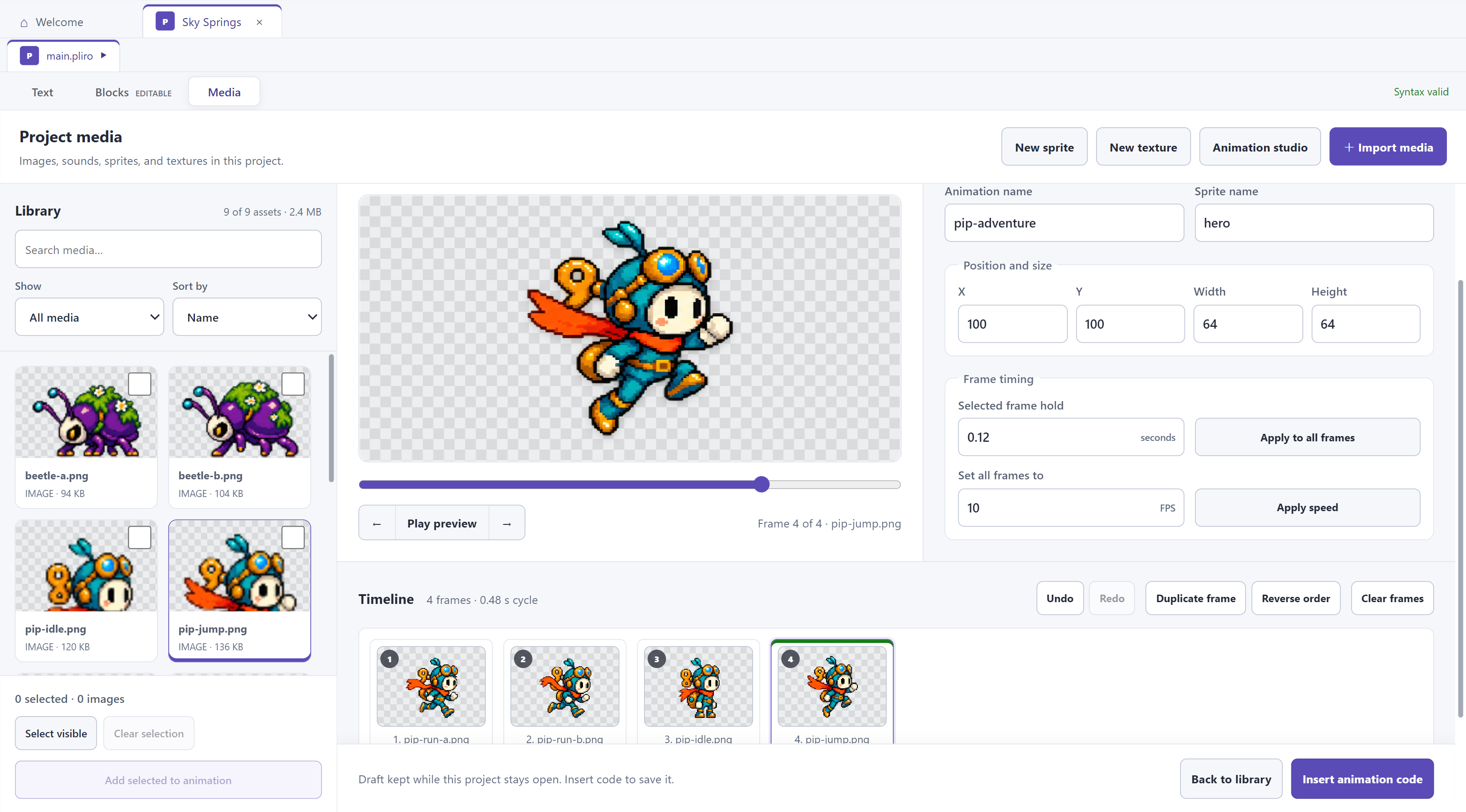
A character that moves. Music that fits.
Make a character jump or create a cheerful tune for a game. Your child sees the parts together and can keep trying until they fit the idea.
- Put movements in the right order.
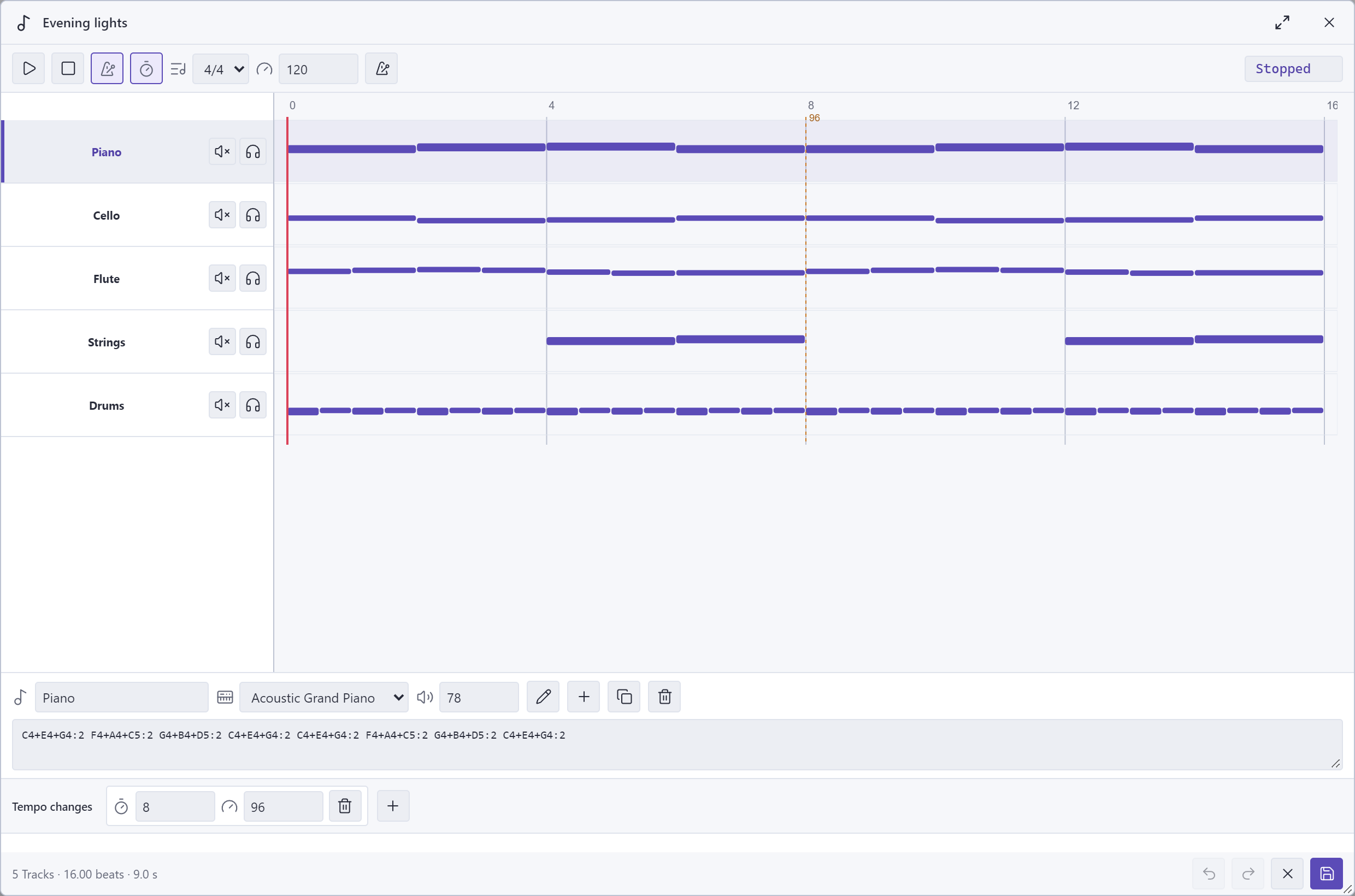
- Combine melody, bass and rhythm.
- Play the result and make changes.
FROM IDEA TO APP
Make a quiz, a scoreboard or a useful little tool.
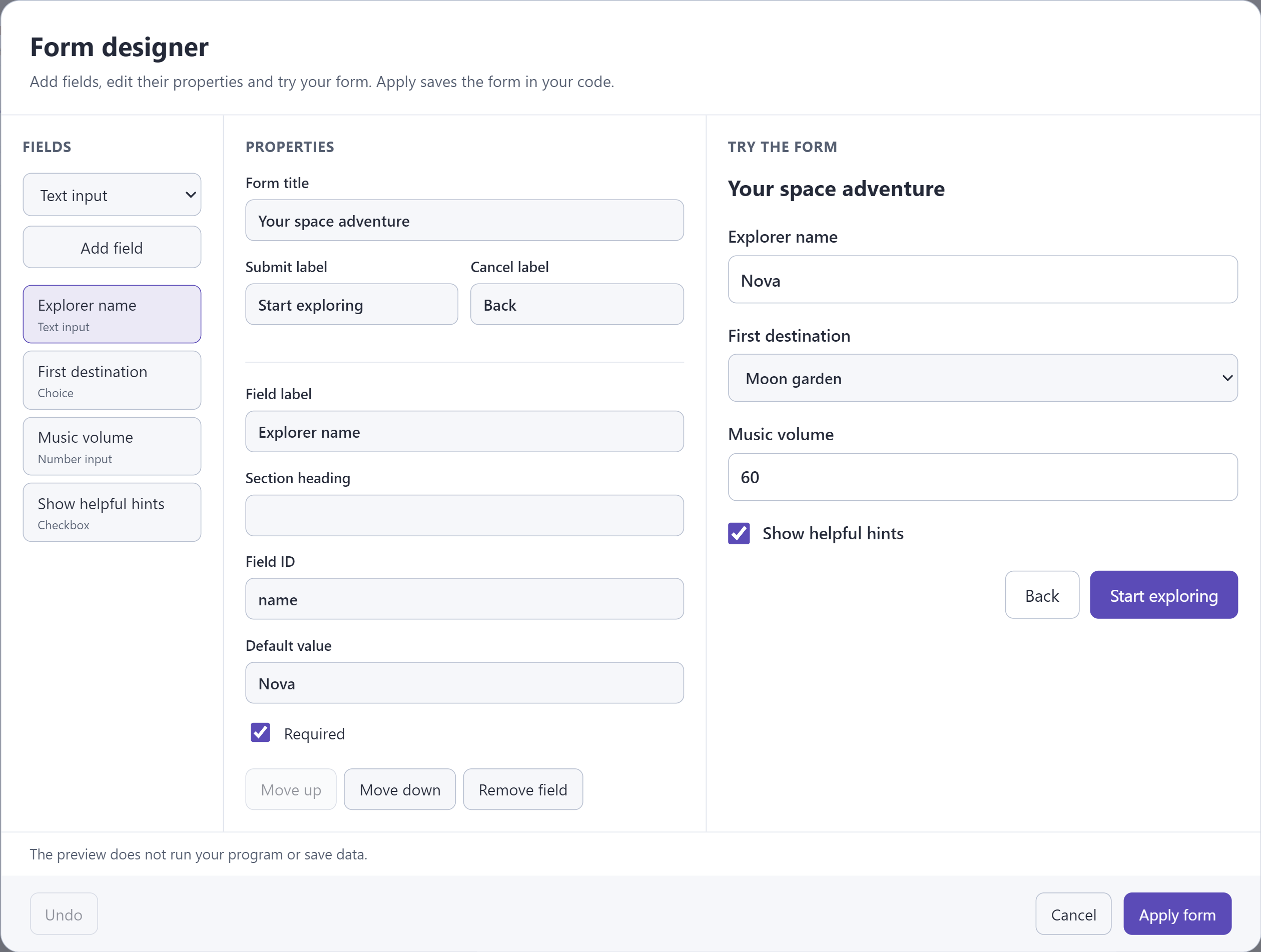
What question will you ask? What can a player type? Add text and input fields in the visual designer, then write instructions to decide what the app does with the answer.
- Design screens with buttons, text and input fields.
- See a preview as you design.
- Keep working on projects you already have.
CHOOSE WHAT YOUR PROJECT NEEDS
Start free. Grow when you are ready.
Free Learner already lets your child code and make games. Creator Pro adds the visual tools and extra capabilities below.
| What would you like to do? | Learner · free | Creator Pro |
|---|---|---|
| Code and make games | With familiar words or blocks | Everything in Learner |
| Animate characters | Make animations through code | Work visually on a timeline too |
| Make music | Simple melodies and music through code | Several instruments on separate tracks too |
| Make app screens | Build screens through code | A visual designer for buttons and answer boxes too |
| Investigate mistakes | See what happens step by step | Extra tools to find mistakes and test your program |
| Make standalone apps | For your operating system and Raspberry Pi, with Pliro branding | Other supported operating systems too |
| Use commercially | Not included | Included with paid Pro |
Your projects stay yours. With free Learner access, you can open, edit and save them after your Pro subscription ends.
You can remove the Pliro logo with paid Pro if your licence includes the associated branding entitlement. A trial licence does not grant commercial use.
Know what you are choosing
Do I need to know how to code?
No. You can help by looking together and asking questions. Start with an example and let your child change one movement, sound or button. The guidance and examples help you get going.
Do we need Learner first?
You do not have to learn a separate program first. Learner and Creator Pro use the same Pliro app. Pro adds tools; the language and your projects stay the same.
What happens when Pro ends?
With valid free Learner access, you can open, edit and save your projects. Pro tools, and running or exporting projects that use Pro capabilities, require Pro. Standalone apps you have already made keep working.
Which computer can we use?
Use the Pro tools in the Pliro app for Windows or a supported Linux computer. They are not available in the public browser playground. Check the download details for your computer.
What does Creator Pro cost?
Choose ‘See Creator Pro prices’ for current offers and payment options. You choose the products and payment schedule. Your final total and terms are shown before you pay.
READY FOR THE NEXT IDEA?
Choose what works for you.
See current prices and payment options. Review your total and terms before you pay.